> For the complete documentation index, see [llms.txt](https://docs.earthindex.ai/llms.txt). Markdown versions of documentation pages are available by appending `.md` to page URLs; this page is available as [Markdown](https://docs.earthindex.ai/concepts/sharing-a-project.md).
# Sharing a Project
Sharing a project is easy, just go to the top right of your project and click '**Share**'. This will open a dialogue box where you can toggle the project sharing on and off. \
\
**Sharing disabled by default:**
**Toggle on to enable and generate share link:**
If you disable public sharing, any users with the old URL will no longer be able to view the project until you enable the same project again.
### Public View
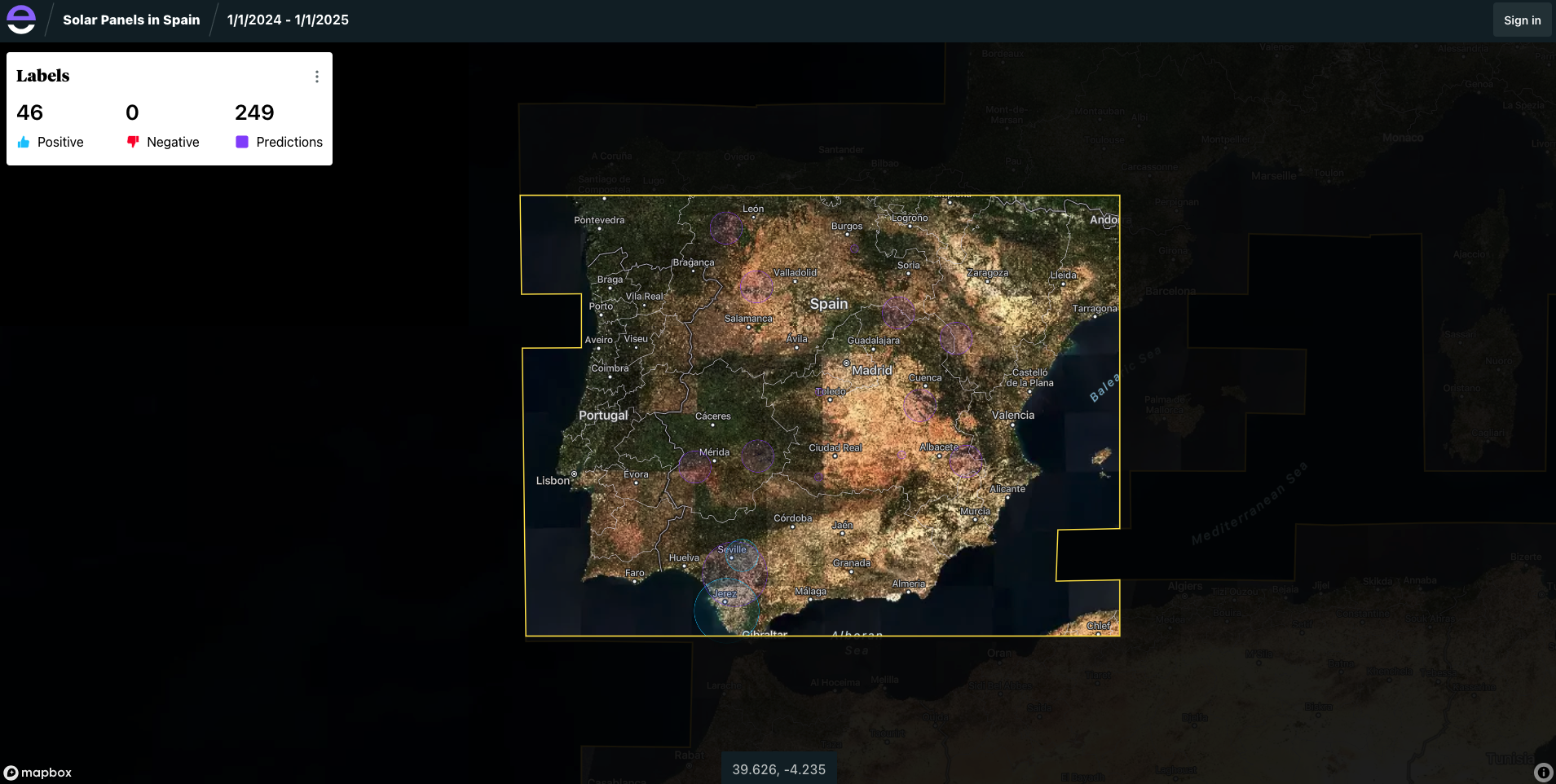
After you share the project, a public link becomes available that shows a limited viewer where users can view your labels and predictions. Users can also download those as geojson.
{% hint style="info" %}
NOTE: Once a project is public, anyone with the URL can view it.
{% endhint %}